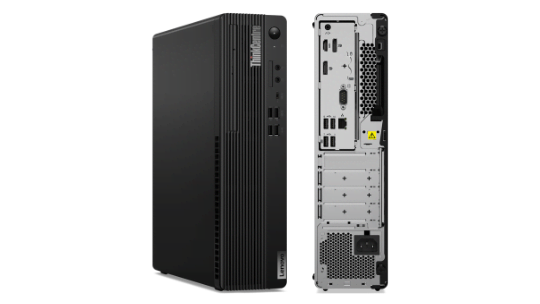
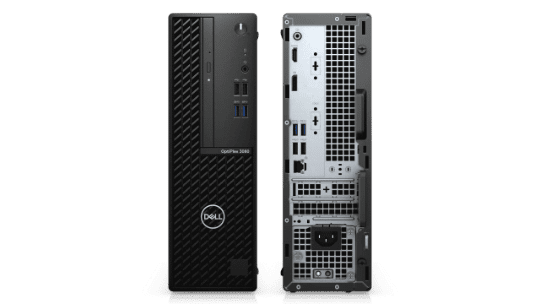
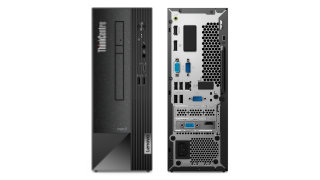
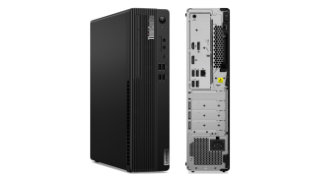
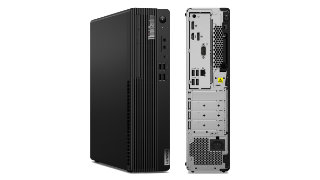
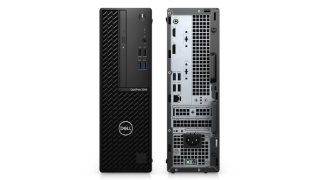
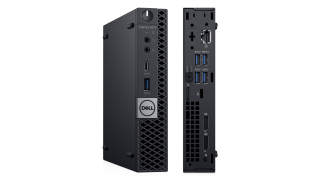
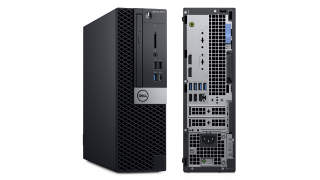
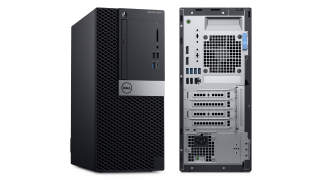
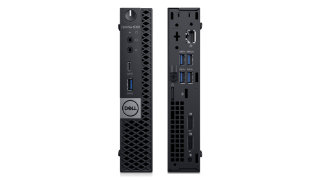
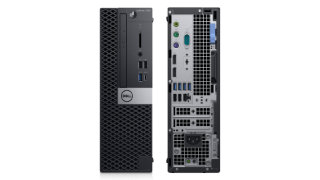
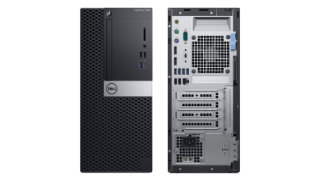
Lenovo ThinkCentre M70s vs. Dell Optiplex 3080 SFF
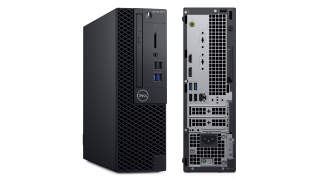
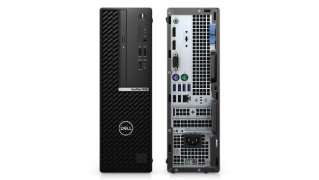
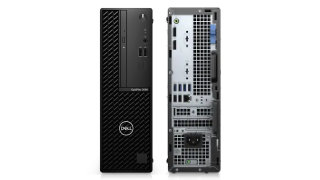
Here is a side by side comparison between Lenovo ThinkCentre M70s and Dell Optiplex 3080 SFF specs including price, processors, memory, graphics, storage, ports, and more.
Line-out audio port with re-tasking to Line-in (Rear).
Misc
Lenovo ThinkCentre M70s
Dell Optiplex 3080 SFF
Security
Security Chip
Firmware TPM 2.0, TCG certified
Physical Locks
E-lock
Optional
Smart Cable Clip
Optional
Kensington® Security Slot
Padlock Loop
Chassis Intrusion Switch
Chassis intrusion switch
No chassis intrusion switch
Fingerprint Reader
Touch style fingerprint reader on mouse
No fingerprint reader
BIOS Security
Administrator password
Power-on password
Supervisor password
Hard disk password
Computrace support
Cover presence switch
Smart USB protection
Allows keyboard/mouse only, blocks all storage devices.
Individual USB port disablement
Warranty
1-year depot service
1-year limited onsite service
3-year limited onsite service
No base warranty
3 Years Hardware Service with Onsite/In-Home Service After Remote Diagnosis
Lenovo ThinkCentre M70s vs. Dell Optiplex 3080 SFF
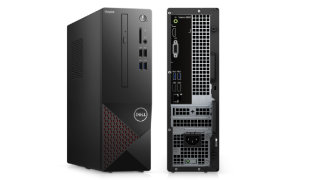
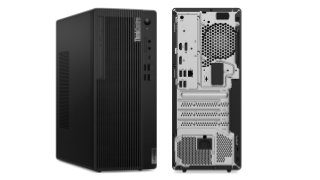
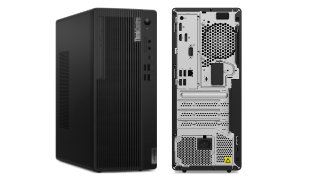
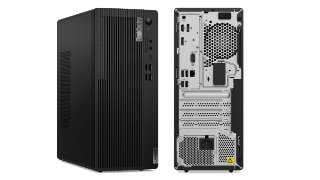
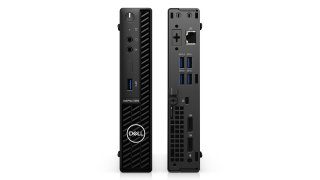
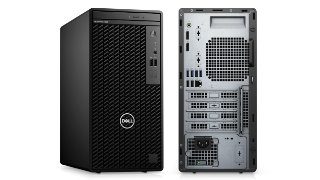
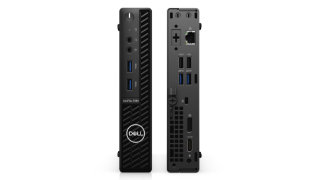
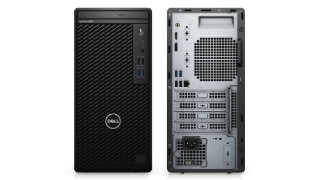
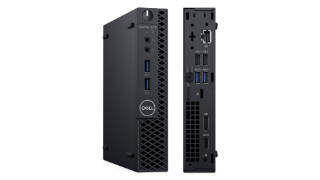
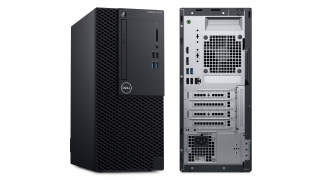
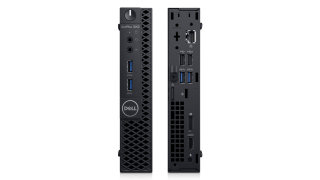
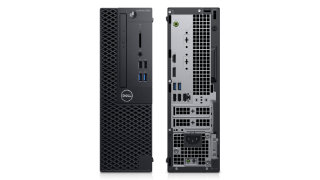
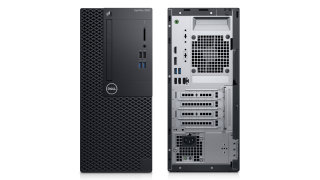
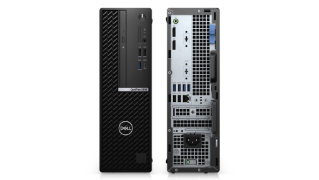
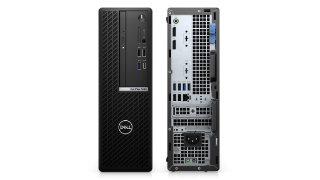
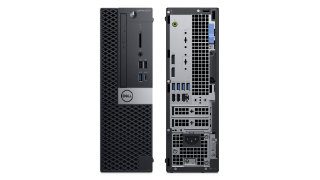
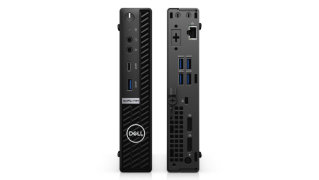
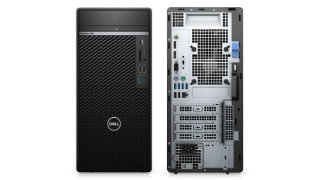
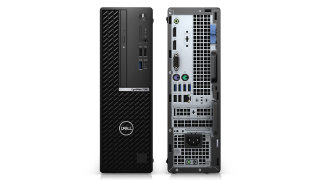
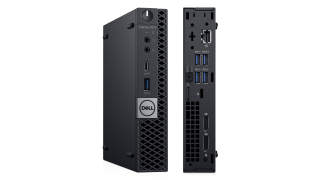
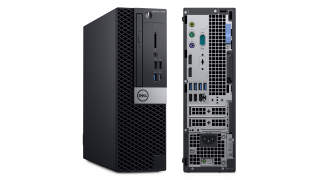
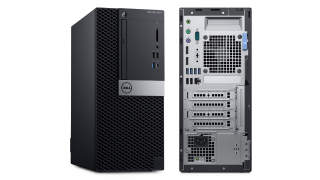
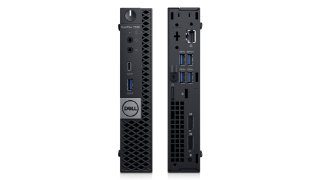
The Lenovo ThinkCentre M70s and the Dell Optiplex 3080 SFF were released in the same year, 2020. Both systems share the same small form factor that commonly can only fit a Mini ITX motherboard, one or two hard disk drives, and supports only a small form factor or half-height graphics card.
Processor
The Central Processing Unit (CPU) is like the brains of your desktop computer. Its performance determines how fast and responsive your PC is. Generally, a processor with newer architecture, more CPU cores, higher TDP (measured in W), and faster clock speed (measured in GHz) tends to be more expensive and run faster than others with older architecture, fewer CPU cores, lower TDP, and lower clock speed.
For Lenovo ThinkCentre M70s, you have options to configure it with a 58W 10th Generation Intel Comet Lake dual-core Intel Celeron G5900 up to a 65W 10-core Intel Core i9-10900F with a boost speed up to 5.20 GHz.
While Dell Optiplex 3080 SFF has configurations with a 58W 10th Generation Intel Comet Lake dual-core Intel Celeron G5900 up to a 65W 6-core Intel Core i5-10600 with a boost speed up to 4.80 GHz.
Memory
The Random Access Memory or RAM is the super-fast and temporary storage used to handle all active tasks, apps, and games that will go away when your PC turns off. The more memory your PC has, the better multitasking your PC can handle without having to reload data from slower permanent storage that includes the hard disk drive or solid-state drive.
Fortunately, both PC allows you to upgrade later if you are unsatisfied with the amount of memory on your PC. The Lenovo ThinkCentre M70s has four RAM slots that support up to 128GB of 2933MHz dual-channel DDR4 memory. On the other hand, the Dell Optiplex 3080 SFF has two RAM slots that you can upgrade up to 64GB of 2666MHz dual-channel DDR4 memory.
Ports
Computer ports are the interface for connecting your PC to its peripheral devices or other PCs. The most common peripherals are keyboard, mouse, monitor, flash drive, speaker, and printer. Most of them use Universal Serial Bus (USB) as their connection to your computer. So the PC with more USB ports can connect to more peripherals at the same time.
There is a total number of 9 USB ports available on the Lenovo ThinkCentre M70s, one more than the Dell Optiplex 3080 SFF that has only 8 USB ports. On top of the number of USB ports, the type and version of each USB port are also necessary for determining how fast it is.
The Lenovo ThinkCentre M70s has eight USB Type-A ports and one USB Type-C port. It has four ports that support USB 2.0 (480 Mbps), three ports that support USB 3.2 Gen 1 (5 Gbps), and two ports that support USB 3.2 Gen 2 (10 Gbps).
For Dell Optiplex 3080 SFF, it has eight USB ports that all of which are USB Type-A. The PC has four ports that support USB 2.0 (480 Mbps) and four ports that support USB 3.2 Gen 1 (5 Gbps).
Pricing
Motherboard
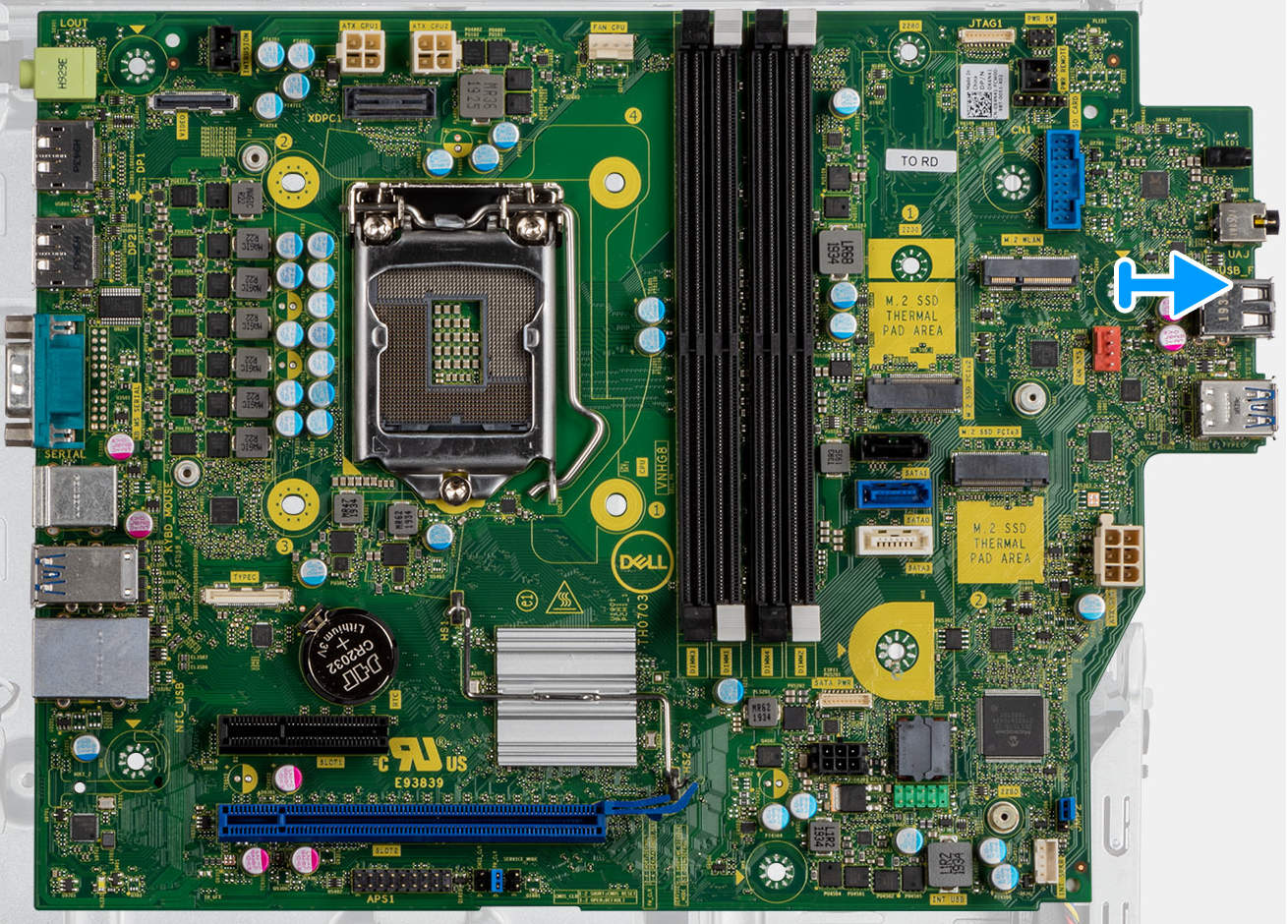
Dell Optiplex 3080 SFF System Board.
Source: Dell
Popular Comparisons for Lenovo ThinkCentre M70s
Here are the most frequently requested comparisons for Lenovo ThinkCentre M70s: