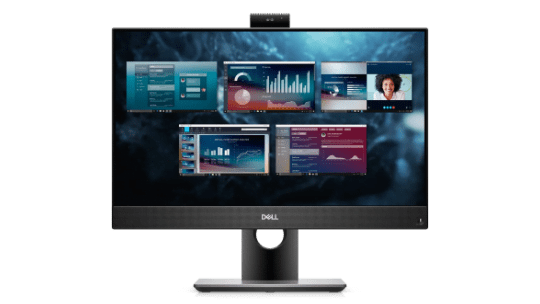
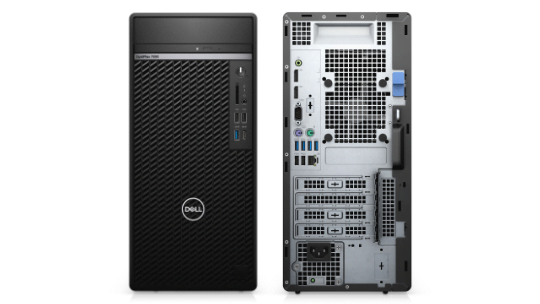
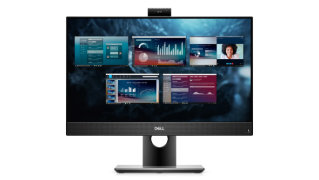
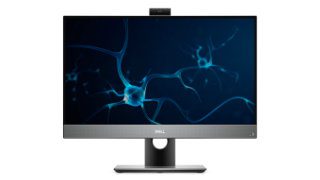
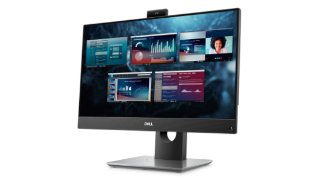
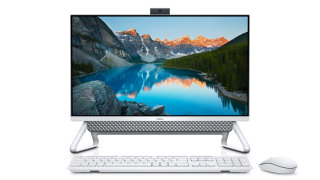
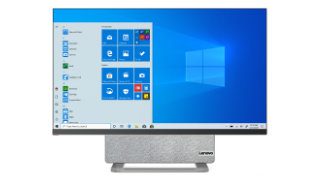
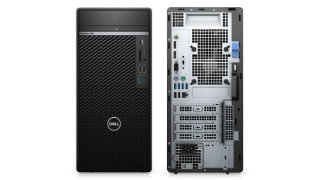
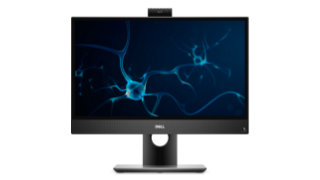
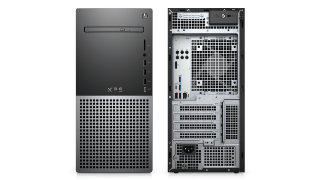
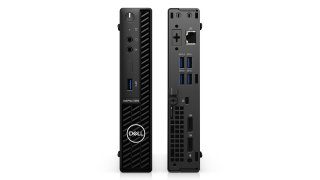
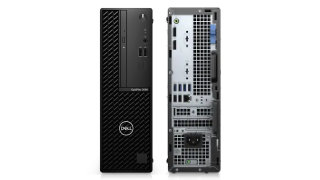
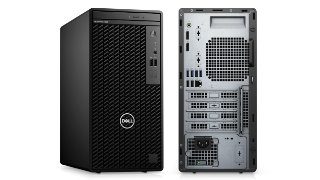
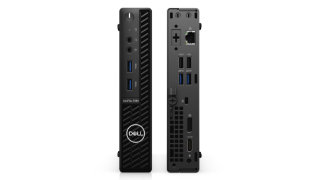
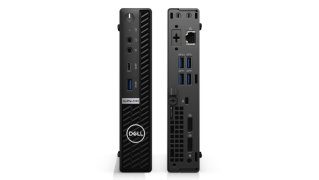
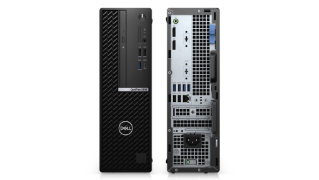
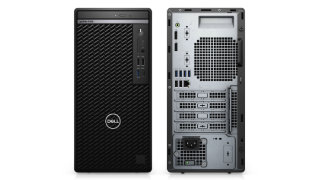
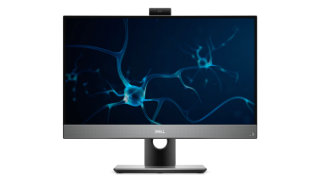
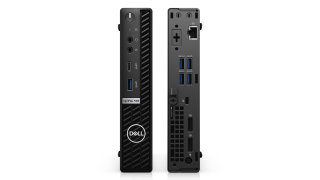
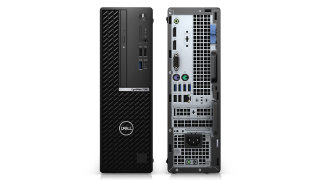
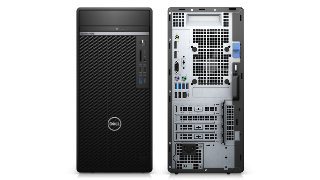
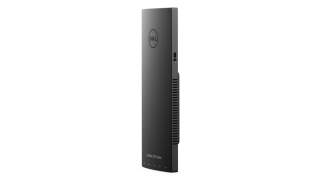
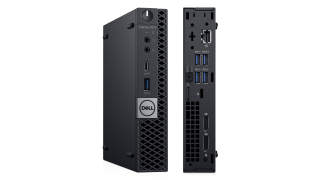
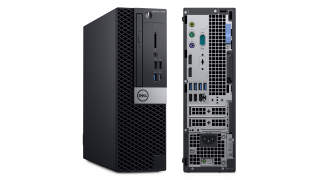
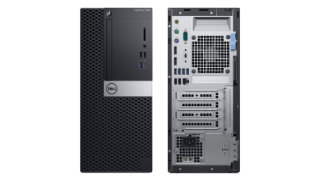
Dell Optiplex 7490 All-in-One vs. Dell Optiplex 7090 Tower
Here is a side by side comparison between Dell Optiplex 7490 All-in-One and Dell Optiplex 7090 Tower specs including price, processors, memory, graphics, storage, ports, and more.
1920 x 108092 PPI16:9250 nits1000:172% NTSC60HzAnti-Glare12.50W
23.8” FHD with Touch
1920 x 1080141 PPI16:9250 nits1000:172% NTSC60HzAnti-Glare13.48W
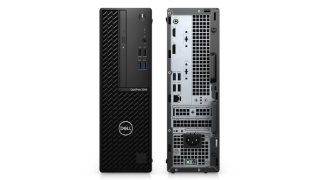
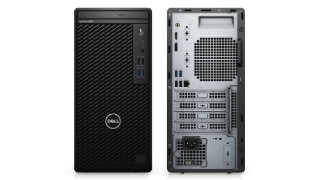
Exterior
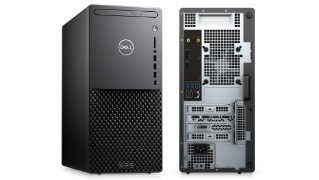
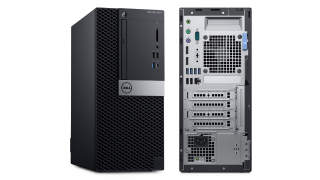
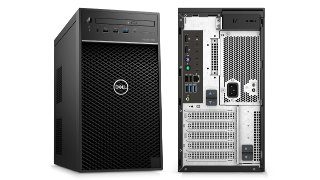
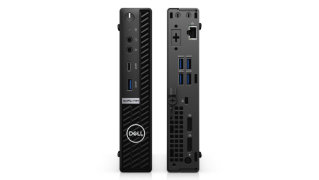
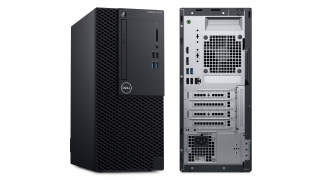
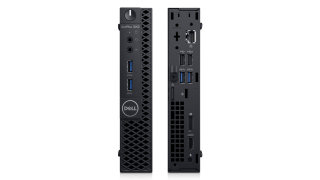
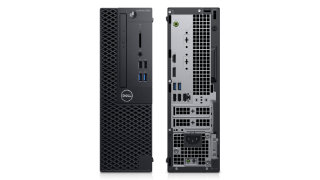
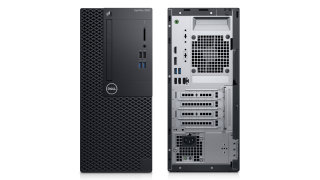
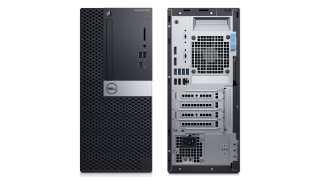
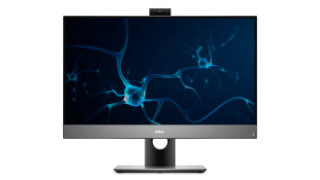
Dell Optiplex 7490 All-in-One
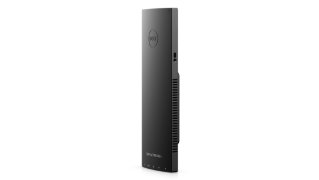
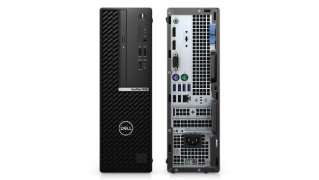
Dell Optiplex 7090 Tower
Size Comparison
Dimensions
21.26” x 13.54” x 2.07” (540.20 x 344 x 52.80 mm)
11.84” x 14.45” x 6.65” (300.80 x 367 x 169 mm)
Weight
Up to 14.46 lb (6.59 kg)
Full HD Non-Touch models.
Up to 13.87 lb (5.85 kg)
Full HD with Touch models.
Up to 22.53 lb (10.22 kg)
Colors
Gray
Black
Keyboard and Trackpad
Dell Pro Wireless Keyboard and Mouse - KM5221W - English
Dell KB522 Business Multimedia Keyboard (US)
Dell KB813 Smart Card Keyboard (US)
Dell KB216 Wired Keyboard English
No Keyboard
Dell Pro Wireless Keyboard and Mouse - KM5221W - English
Dell KB522 Business Multimedia Keyboard (US)
Dell KB813 Smart Card Keyboard (US)
Dell KB216 Wired Keyboard English
No Keyboard
Ports
Side
1 x USB-A
USB 3.2 Gen 1 (5 Gbps) with PowerShare.
1 x USB-C
USB 3.2 Gen 2x2 (20 Gbps) for 11th Gen Intel Core CPU.
USB 3.2 Gen 2x1 (10 Gbps) for 10th Gen Intel Core CPU.
1 x Universal Audio Jack
1 x SD 4.0 Card Slot
Optional.
Rear
2 x USB-A
USB 3.2 Gen 2 (10 Gbps).
2 x USB-A
USB 3.2 Gen 2 (10 Gbps) with Smart Power On.
1 x DisplayPort++
DisplayPort 1.4a supports 4K@120Hz and HDCP 2.3.
1 x HDMI-IN 1.4
1 x HDMI-OUT 2.0
1 x RJ-45
Gigabit Ethernet.
1 x Audio Jack
Re-tasking Line out/Line in audio port.
1 x Kensington Lock Slot
1 x Power Connector
Front
1 x USB-A
USB 2.0 (480 Mbps).
1 x USB-A
USB 2.0 (480 Mbps) with Powershare.
1 x USB-A
USB 3.2 Gen 2 (10 Gbps).
1 x USB-C
USB 3.2 Gen 2x2 (20 Gbps) for 11th Gen Intel Core CPU.
USB 3.2 Gen 2x1 (10 Gbps) for 10th Gen Intel Core CPU.
1 x Universal Audio Jack
Rear
2 x USB-A
USB 2.0 (480 Mbps) with Smart Power On.
3 x USB-A
USB 3.2 Gen 1 (5 Gbps).
1 x USB-A
USB 3.2 Gen 2 (10 Gbps).
1 x USB-C
USB 3.2 Gen 2 Alt-Mode (optional).
2 x DisplayPort
DisplayPort 1.4 supports 4K@120Hz.
1 x Display Out
VGA, DisplayPort 1.4, HDMI 2.0b, or USB 3.2 Gen 2 with Alt-mode (optional).
1 x RJ-45
Gigabit Ethernet.
1 x Audio Jack
Re-tasking Line out/Line in audio port.
1 x Serial
2 x PS/2
1 x Kensington Lock Slot
1 x Power Connection
Chasis
Dell Optiplex 7490 All-in-One
Dell Optiplex 7090 Tower
Form Factor
All-in-One
Mid Tower
Power Supply
160W
80+ Bronze85% Efficiency
220W
80+ Platinum92% Efficiency
260W
80+ Bronze85% Efficiency
300W
80+ Platinum92% Efficiency
360W
80+ Platinum92% Efficiency
500W
80+ Platinum92% Efficiency1 x 6+8 PIN connector for GPU
Optical Drives
8x DVD+/-RW 9.5mm ODD
Optional.
Chasis Information
Stands:
Fixed stand
Height Adjustable stand
Articulating stand
Height Adjustable stand with Optical Disk Drive
Internal Specs
Dell Optiplex 7490 All-in-One
Dell Optiplex 7090 Tower
Chipset
Intel® Q570 Chipset
Intel® Q570 Chipset
Processor
10th Gen Intel® Core™ i3-10100
4C/8T, 3.60 → 4.30 GHz, 6MB SmartCache, 65W
10th Gen Intel® Core™ i3-10105
4C/8T, 3.70 → 4.40 GHz, 6MB SmartCache, 65W
10th Gen Intel® Core™ i3-10300
4C/8T, 3.70 → 4.40 GHz, 8MB SmartCache, 65W
10th Gen Intel® Core™ i3-10305
4C/8T, 3.80 → 4.50 GHz, 8MB SmartCache, 65W
10th Gen Intel® Core™ i5-10400
6C/12T, 2.90 → 4.30 GHz, 12MB SmartCache, 65W
10th Gen Intel® Core™ i5-10500
6C/12T, 3.10 → 4.50 GHz, 12MB SmartCache, 65W
10th Gen Intel® Core™ i5-10505
6C/12T, 3.20 → 4.60 GHz, 12MB SmartCache, 65W
10th Gen Intel® Core™ i5-10600
6C/12T, 3.30 → 4.80 GHz, 12MB SmartCache, 65W
10th Gen Intel® Core™ i7-10700
8C/16T, 2.90 → 4.80 GHz, 16MB SmartCache, 65W
10th Gen Intel® Core™ i9-10900
10C/20T, 2.80 → 5.20 GHz, 20MB SmartCache, 65W
11th Gen Intel® Core™ i5-11400
6C/12T, 2.60 → 4.40 GHz, 12MB SmartCache, 65W
11th Gen Intel® Core™ i5-11500
6C/12T, 2.70 → 4.60 GHz, 12MB SmartCache, 65W
11th Gen Intel® Core™ i5-11600
6C/12T, 2.80 → 4.80 GHz, 12MB SmartCache, 65W
11th Gen Intel® Core™ i7-11700
8C/16T, 2.50 → 4.90 GHz, 16MB SmartCache, 65W
11th Gen Intel® Core™ i9-11900
8C/16T, 2.50 → 5.20 GHz, 16MB SmartCache, 65W
10th Gen Intel® Core™ i3-10105
4C/8T, 3.70 → 4.40 GHz, 6MB SmartCache, 65W
10th Gen Intel® Core™ i3-10305
4C/8T, 3.80 → 4.50 GHz, 8MB SmartCache, 65W
10th Gen Intel® Core™ i5-10400
6C/12T, 2.90 → 4.30 GHz, 12MB SmartCache, 65W
10th Gen Intel® Core™ i5-10500
6C/12T, 3.10 → 4.50 GHz, 12MB SmartCache, 65W
10th Gen Intel® Core™ i5-10505
6C/12T, 3.20 → 4.60 GHz, 12MB SmartCache, 65W
10th Gen Intel® Core™ i5-10600
6C/12T, 3.30 → 4.80 GHz, 12MB SmartCache, 65W
10th Gen Intel® Core™ i7-10700
8C/16T, 2.90 → 4.80 GHz, 16MB SmartCache, 65W
10th Gen Intel® Core™ i7-10700K
8C/16T, 3.80 → 5.10 GHz, 16MB SmartCache, 125W
10th Gen Intel® Core™ i9-10900
10C/20T, 2.80 → 5.20 GHz, 20MB SmartCache, 65W
10th Gen Intel® Core™ i9-10900K
10C/20T, 3.70 → 5.30 GHz, 20MB SmartCache, 125W
11th Gen Intel® Core™ i5-11400
6C/12T, 2.60 → 4.40 GHz, 12MB SmartCache, 65W
11th Gen Intel® Core™ i5-11500
6C/12T, 2.70 → 4.60 GHz, 12MB SmartCache, 65W
11th Gen Intel® Core™ i5-11600
6C/12T, 2.80 → 4.80 GHz, 12MB SmartCache, 65W
11th Gen Intel® Core™ i7-11700
8C/16T, 2.50 → 4.90 GHz, 16MB SmartCache, 65W
11th Gen Intel® Core™ i7-11700K
8C/16T, 3.60 → 5.00 GHz, 16MB SmartCache, 125W
11th Gen Intel® Core™ i9-11900
8C/16T, 2.50 → 5.20 GHz, 16MB SmartCache, 65W
11th Gen Intel® Core™ i9-11900K
8C/16T, 3.50 → 5.30 GHz, 16MB SmartCache, 125W
Integrated Graphics
10th Gen Intel® Core™ i3-10100
Intel® UHD Graphics 630
23 Execution Units, 350 → 1100 MHz
10th Gen Intel® Core™ i3-10105
Intel® UHD Graphics 630
23 Execution Units, 350 → 1100 MHz
10th Gen Intel® Core™ i3-10300
Intel® UHD Graphics 630
23 Execution Units, 350 → 1150 MHz
10th Gen Intel® Core™ i3-10305
Intel® UHD Graphics 630
23 Execution Units, 350 → 1150 MHz
10th Gen Intel® Core™ i5-10400
Intel® UHD Graphics 630
24 Execution Units, 350 → 1100 MHz
10th Gen Intel® Core™ i5-10500
Intel® UHD Graphics 630
24 Execution Units, 350 → 1150 MHz
10th Gen Intel® Core™ i5-10505
Intel® UHD Graphics 630
24 Execution Units, 350 → 1200 MHz
10th Gen Intel® Core™ i5-10600
Intel® UHD Graphics 630
24 Execution Units, 350 → 1200 MHz
10th Gen Intel® Core™ i7-10700
Intel® UHD Graphics 630
24 Execution Units, 350 → 1200 MHz
10th Gen Intel® Core™ i9-10900
Intel® UHD Graphics 630
24 Execution Units, 350 → 1200 MHz
11th Gen Intel® Core™ i5-11400
Intel® UHD Graphics 730
24 Execution Units, 350 → 1300 MHz
11th Gen Intel® Core™ i5-11500
Intel® UHD Graphics 750
32 Execution Units, 350 → 1300 MHz
11th Gen Intel® Core™ i5-11600
Intel® UHD Graphics 750
32 Execution Units, 350 → 1300 MHz
11th Gen Intel® Core™ i7-11700
Intel® UHD Graphics 750
32 Execution Units, 350 → 1300 MHz
11th Gen Intel® Core™ i9-11900
Intel® UHD Graphics 750
32 Execution Units, 350 → 1300 MHz
10th Gen Intel® Core™ i3-10105
Intel® UHD Graphics 630
23 Execution Units, 350 → 1100 MHz
10th Gen Intel® Core™ i3-10305
Intel® UHD Graphics 630
23 Execution Units, 350 → 1150 MHz
10th Gen Intel® Core™ i5-10400
Intel® UHD Graphics 630
24 Execution Units, 350 → 1100 MHz
10th Gen Intel® Core™ i5-10500
Intel® UHD Graphics 630
24 Execution Units, 350 → 1150 MHz
10th Gen Intel® Core™ i5-10505
Intel® UHD Graphics 630
24 Execution Units, 350 → 1200 MHz
10th Gen Intel® Core™ i5-10600
Intel® UHD Graphics 630
24 Execution Units, 350 → 1200 MHz
10th Gen Intel® Core™ i7-10700
Intel® UHD Graphics 630
24 Execution Units, 350 → 1200 MHz
10th Gen Intel® Core™ i7-10700K
Intel® UHD Graphics 630
24 Execution Units, 350 → 1200 MHz
10th Gen Intel® Core™ i9-10900
Intel® UHD Graphics 630
24 Execution Units, 350 → 1200 MHz
10th Gen Intel® Core™ i9-10900K
Intel® UHD Graphics 630
24 Execution Units, 350 → 1200 MHz
11th Gen Intel® Core™ i5-11400
Intel® UHD Graphics 730
24 Execution Units, 350 → 1300 MHz
11th Gen Intel® Core™ i5-11500
Intel® UHD Graphics 750
32 Execution Units, 350 → 1300 MHz
11th Gen Intel® Core™ i5-11600
Intel® UHD Graphics 750
32 Execution Units, 350 → 1300 MHz
11th Gen Intel® Core™ i7-11700
Intel® UHD Graphics 750
32 Execution Units, 350 → 1300 MHz
11th Gen Intel® Core™ i7-11700K
Intel® UHD Graphics 750
32 Execution Units, 350 → 1300 MHz
11th Gen Intel® Core™ i9-11900
Intel® UHD Graphics 750
32 Execution Units, 350 → 1300 MHz
11th Gen Intel® Core™ i9-11900K
Intel® UHD Graphics 750
32 Execution Units, 350 → 1300 MHz
Discrete Graphics
Optional NVIDIA® GeForce® GTX 1650 Ti - 4GB GDDR6
NVIDIA® GeForce®
GTX 1660 SUPER™ - 6GB GDDR6
125W1 x DisplayPort 1.41 x HDMI 2.0b1 x DVI-D
RTX™ 3070 - 8GB GDDR6
220W3 x DisplayPort 1.41 x HDMI 2.0b
AMD® Radeon™
540 - 4GB GDDR5
50W1 x HDMI 1.41 x DisplayPort
550 - 4GB GDDR5
50W1 x DisplayPort 1.42 x mini DisplayPort ports
RX 640 - 4GB GDDR5
50W1 x DisplayPort 1.42 x mini DisplayPort ports
Memory
Memory Slots: 2 SO-DIMM slots
Memory Type: Single or Dual Channel DDR4 Memory
Memory Speed:
2666MHz2933MHz3200MHz
Memory Configurations
4GB8GB16GB32GB64GB
2666 MHz for 10th Gen Intel Core i3/i5 CPU 2933 MHz for 10th Gen Intel Core i7/i9 CPU 3200 MHz for 11th Gen Intel Core CPU
Memory Slots: 4 DIMM slots
Memory Type: Single or Dual Channel DDR4 Memory
Memory Speed:
2666MHz2933MHz3200MHz
Memory Configurations
4GB8GB16GB32GB64GB
2666 MHz for 10th Gen Intel Core i3/i5 CPU 2933 MHz for 10th Gen Intel Core i7/i9 CPU 3200 MHz for 11th Gen Intel Core CPU
128GB
2666 MHz for 10th Gen Intel Core i3/i5 CPU 2933 MHz for 10th Gen Intel Core i7/i9 CPU 2933 MHz for 11th Gen Intel Core CPU
Storage
256GB512GB1TB2TB
M.2 PCIe Gen 3 x4 or Gen 4 x4 NVME SSD
500GB1TB2TB
5400 rpm or 7200 rpm 2.5" SATA Hard Drive
256GB512GB1TB2TB
M.2 PCIe Gen 3 x4 or Gen 4 x4 NVME SSD
500GB1TB2TB
5400 rpm or 7200 rpm 2.5" SATA Hard Drive
1TB2TB4TB
5400 rpm or 7200 rpm 3.5" SATA Hard Drive
Slots
Expansion Slots
No Expansion slot
SATA
1 x 2.5” HDD Connector
M.2
1 x M.2 2230 slot
For WiFi and Bluetooth combo card
2 x M.2 2230/2280 slot
For SSD/Intel Optane
Expansion Slots
1 x PCIe x16 slot
PCIe Gen 4, Full-height
1 x PCIe x16 slot
Wired x4, Full-height
1 x PCIe x1 slot
Full-height
1 x PCIe-32 slot
Full-height
SATA
4 x SATA slots
For 2.5-inch HDD/SSD, and slim Optical Drive.
M.2
1 x M.2 2230 slot
For WiFi and Bluetooth combo card
1 x M.2 2280 slot
For SSD/Intel Optane.
1 x M.2 2230/2280 slot
For SSD/Intel Optane
Connectivity
Dell Optiplex 7490 All-in-One
Dell Optiplex 7090 Tower
Wi-Fi
Qualcomm QCA61x4a
Up to 867 MbpsDual band 2.4 GHz/5 GHzWiFi-5 (802.11ac)Bluetooth 5.0
Intel AX201
Up to 2400 MbpsDual band 2.4 GHz/5 GHzWiFi-6 (802.11ax)Bluetooth 5.1
No Wireless LAN Card
Qualcomm QCA9377 (DW1810)
Up to 433 MbpsDual band 2.4 GHz/5 GHzWiFi-5 (802.11ac)Bluetooth 5.0
Qualcomm QCA61x4a
Up to 867 MbpsDual band 2.4 GHz/5 GHzWiFi-5 (802.11ac)Bluetooth 5.0
Intel AX201
Up to 2400 MbpsDual band 2.4 GHz/5 GHzWiFi-6 (802.11ax)Bluetooth 5.1
Bluetooth
Bluetooth 5.0Bluetooth 5.1
Bluetooth 5.0Bluetooth 5.1
Optional
Ethernet
Intel i219LM Gigabit Ethernet controller
Speed: 10/100/1000 Mbps.
Intel i219LM Gigabit Ethernet controller
Speed: 10/100/1000 Mbps.
Software
Dell Optiplex 7490 All-in-One
Dell Optiplex 7090 Tower
OS
Windows 10 HomeWindows 10 Pro
Upgradable to Windows 11
Ubuntu Linux 20.04 LTS
NeoKylin 7.0 (China only)
Windows 10 HomeWindows 10 Pro
Upgradable to Windows 11
Ubuntu Linux 20.04 LTS
NeoKylin 7.0 (China only)
Built-in Apps
Microsoft Office 30 Day Trial
Microsoft Office 30 Day Trial
Camera & Audio
Dell Optiplex 7490 All-in-One
Dell Optiplex 7090 Tower
Camera
Full HD Webcam
Top-mount front camera with fixed focus lens, 2.07 Megapixels (1920 x 1080 HD) at 30 fps.
Windows Hello Infrared Camera
0.30 Megapixels (640 x 480) at 30 fps.
Audio
2 x 5W Speakers
2 x Microphones
Audio controller: Realtek ALC3289
Amplifier: Realtek Amplifier ALC1302
External Ports
1 x Universal Audio Jack
Front
1 x Audio port
Line-out audio port with re-tasking to Line-in (Rear).
One 2W Speaker (optional)
Audio controller
Realtek ALC3241
4 Channel High Definition Audio
24-bit DAC (Digital-to-Analog) and ADC (Analog-to-Digital)
External Ports
1 x Universal Audio Jack
Front
1 x Audio port
Line-out audio port with re-tasking to Line-in (Rear).
Misc
Dell Optiplex 7490 All-in-One
Dell Optiplex 7090 Tower
Security
Kensington lock
Dell Lockable port cover (optional)
Chassis lock slot support
Noble Custom AIO Plate Lock (optional)
Supply chain tamper alerts
Chassis intrusion switch
Trusted Platform Module (Discrete TPM Enabled)
SafeBIOS including Dell Off-host BIOS Verification
BIOS Resilience
BIOS Recovery, and additional BIOS Controls
SafeID including Trusted Platform Module (TPM) 2.0
Self-Encrypting Drives (SED)
Smart card keyboard (FIPS)
D-Pedigree (Secure Supply Chain Functionality)
Dell wired mouse with fingerprinter reader
Warranty
3-Year Basic Onsite Service
3-Year Basic Onsite Service
Dell Optiplex 7490 All-in-One vs. Dell Optiplex 7090 Tower
The Dell Optiplex 7490 All-in-One and the Dell Optiplex 7090 Tower were released in the same year, 2021. The Dell Optiplex 7490 All-in-One has an all-in-one form factor that combines all components and a built-in monitor into one package. The Dell Optiplex 7090 Tower has a mini tower form factor that can fit a micro ATX and Mini ITX motherboard, a few hard disk drives, and a single full-height graphics card.
Processor
The Central Processing Unit (CPU) is like the brains of your desktop computer. Its performance determines how fast and responsive your PC is. Generally, a processor with newer architecture, more CPU cores, higher TDP (measured in W), and faster clock speed (measured in GHz) tends to be more expensive and run faster than others with older architecture, fewer CPU cores, lower TDP, and lower clock speed.
For Dell Optiplex 7490 All-in-One, you have options to configure it with a 65W 10th Generation Intel Comet Lake quad-core Intel Core i3-10100 up to a 65W 8-core Intel Core i9-11900 with a boost speed up to 5.20 GHz.
While Dell Optiplex 7090 Tower has configurations with a 65W 10th Generation Intel Comet Lake quad-core Intel Core i3-10105 up to a 125W 8-core Intel Core i9-11900K with a boost speed up to 5.30 GHz.
Memory
The Random Access Memory or RAM is the super-fast and temporary storage used to handle all active tasks, apps, and games that will go away when your PC turns off. The more memory your PC has, the better multitasking your PC can handle without having to reload data from slower permanent storage that includes the hard disk drive or solid-state drive.
Fortunately, both PC allows you to upgrade later if you are unsatisfied with the amount of memory on your PC. The Dell Optiplex 7490 All-in-One has two RAM slots that support up to 64GB of 3200MHz dual-channel DDR4 memory. On the other hand, the Dell Optiplex 7090 Tower has four RAM slots that you can upgrade up to 64GB of 3200MHz or 128GB of 2933MHz dual-channel DDR4 memory.
Ports
Computer ports are the interface for connecting your PC to its peripheral devices or other PCs. The most common peripherals are keyboard, mouse, monitor, flash drive, speaker, and printer. Most of them use Universal Serial Bus (USB) as their connection to your computer. So the PC with more USB ports can connect to more peripherals at the same time.
There is a total number of 6 USB ports available on the Dell Optiplex 7490 All-in-One, four less than the Dell Optiplex 7090 Tower that has 10 USB ports. On top of the number of USB ports, the type and version of each USB port are also necessary for determining how fast it is.
The Dell Optiplex 7490 All-in-One has five USB Type-A ports and one USB Type-C port. It has two ports that support USB 2.0 (480 Mbps), one port that supports USB 3.2 Gen 1 (5 Gbps), four ports that support USB 3.2 Gen 2 (10 Gbps), and one port that supports USB 3.2 Gen 2x2 (20 Gbps).
For Dell Optiplex 7090 Tower, it has nine USB Type-A ports and one USB Type-C port. The PC has four ports that support USB 2.0 (480 Mbps), three ports that support USB 3.2 Gen 1 (5 Gbps), two ports that support USB 3.2 Gen 2 (10 Gbps), and one port that supports USB 3.2 Gen 2x2 (20 Gbps).
Pricing
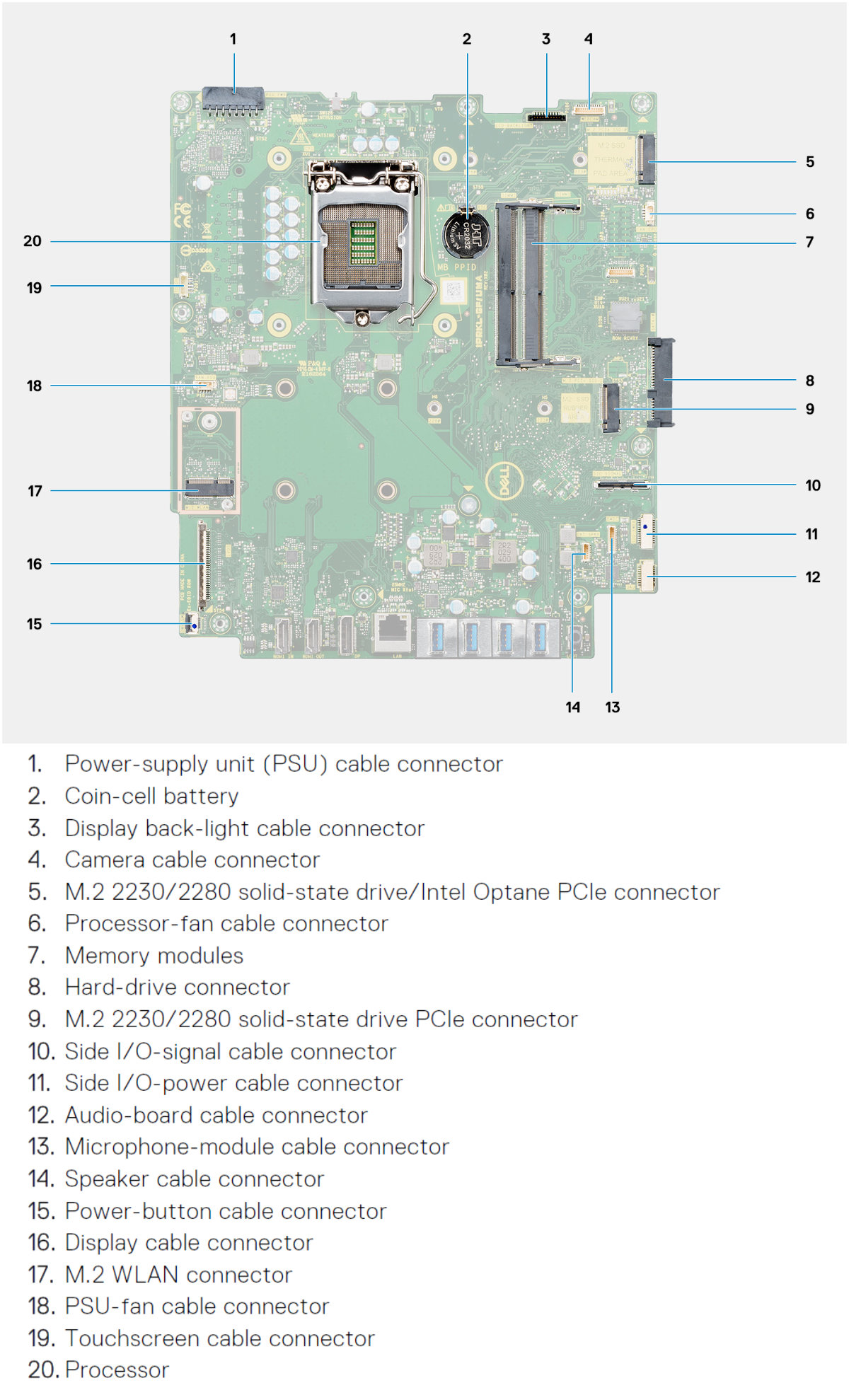
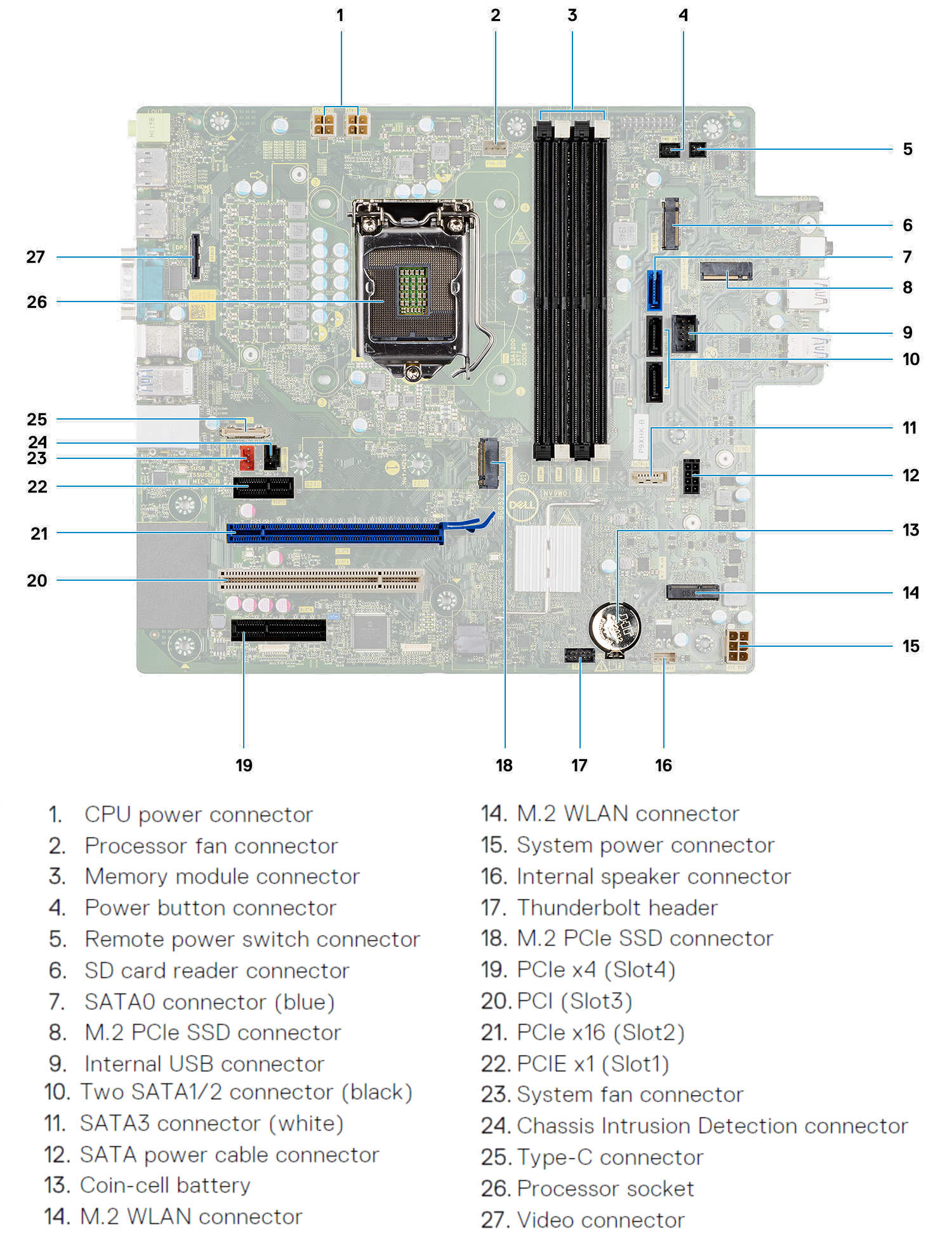
Motherboard
Dell Optiplex 7490 All-in-One System Board.
Source: Dell
Dell Optiplex 7090 Tower System Board.
Source: Dell
Popular Comparisons for Dell Optiplex 7490 All-in-One
Here are the most frequently requested comparisons for Dell Optiplex 7490 All-in-One: