Alienware Aurora Ryzen Edition R14 Desktop vs. Lenovo Legion Tower 7i 34IAZ7
Here is a side by side comparison between Alienware Aurora Ryzen Edition R14 Desktop and Lenovo Legion Tower 7i 34IAZ7 specs including price, processors, memory, graphics, storage, ports, and more.
Specs Comparison
Compare With Please enter device name or part of it | Compare With Please enter device name or part of it | |
Key Features | ||
| What's new |
|
|
| What's missing |
| |
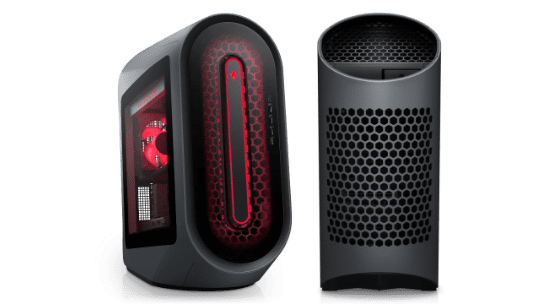
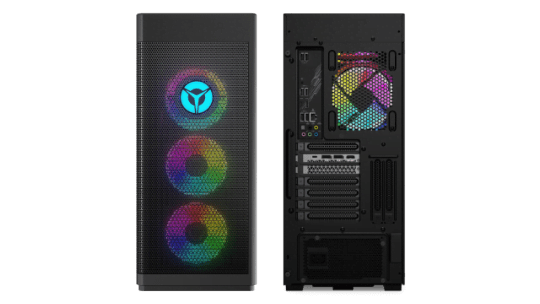
Availability | Alienware Aurora Ryzen Edition R14 Desktop | Lenovo Legion Tower 7i 34IAZ7 |
| Released | 2021 | 2021 |
| Release Info | Announced on October 27, 2021 | Announced on October 22, 2021. |
| Applicable Models |
| |
| Generations |
|
Exterior | Alienware Aurora Ryzen Edition R14 Desktop | Lenovo Legion Tower 7i 34IAZ7 |
| Size Comparison | ||
| Dimensions |
| 8.3 x 17.7 x 19 inches (211 x 450 x 483 mm) |
| Weight | Up to 36.4 lbs. (16.5 kg) | 37.47 lbs (17 kg) |
| Colors | Dark Side of the Moon | Black |
| Keyboard and Trackpad |
| Keyboard
|
| Ports | Front
| Top
|
Chasis | Alienware Aurora Ryzen Edition R14 Desktop | Lenovo Legion Tower 7i 34IAZ7 |
| Form Factor | Mid Tower (44L) | Tower (34L) |
| Power Supply |
|
|
| Bays |
| |
| Optical Drives | Not Available | |
| Chasis Information | Chasis Options
| Side Panel
|
Internal Specs | Alienware Aurora Ryzen Edition R14 Desktop | Lenovo Legion Tower 7i 34IAZ7 |
| Chipset | AMD B550 Chipset | Intel Z690 Chipset |
| Processor |
|
|
| Integrated Graphics |
|
|
| Discrete Graphics | NVIDIA® GeForce®
| NVIDIA® GeForce®
|
| Memory |
8GB 16GB 32GB 64GB 128GB 3200MHz, 3466MHz, 3600MHz DDR4 XMP memory. | 4GB 8GB 16GB 32GB 64GB 128GB
|
| Storage |
|
|
| Slots | Expansion Slots
|
|
Connectivity | Alienware Aurora Ryzen Edition R14 Desktop | Lenovo Legion Tower 7i 34IAZ7 |
| Wi-Fi |
|
|
| Bluetooth | Bluetooth 5.0 Bluetooth 5.2 | Optional Bluetooth 5.x |
| Ethernet | Realtek RTL8125BD 2.5G Ethernet controller 10/100/1000/2500 Mbps. | Realtek RTL8125BG Gaming Ethernet 10/100/1000/2500 Mbps. |
Software | Alienware Aurora Ryzen Edition R14 Desktop | Lenovo Legion Tower 7i 34IAZ7 |
| OS |
|
|
| Built-in Apps |
|
|
Camera & Audio | Alienware Aurora Ryzen Edition R14 Desktop | Lenovo Legion Tower 7i 34IAZ7 |
| Audio |
|
|
Misc | Alienware Aurora Ryzen Edition R14 Desktop | Lenovo Legion Tower 7i 34IAZ7 |
| Security | Security Chip
| |
| Warranty | 1 Year Hardware Warranty with Onsite/In-Home Service After Remote Diagnosis |
|
Alienware Aurora Ryzen Edition R14 Desktop vs. Lenovo Legion Tower 7i 34IAZ7
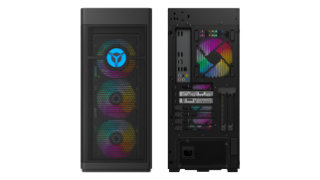
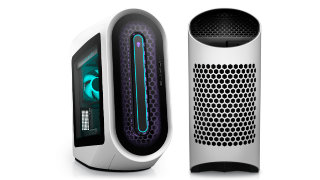
The Alienware Aurora Ryzen Edition R14 Desktop and the Lenovo Legion Tower 7i 34IAZ7 were released in the same year, 2021. Both systems share the same full-tower form factor that can accommodate a large motherboard, multiple graphics cards, extra storage, and better cooling solution.
Processor
The Central Processing Unit (CPU) is like the brains of your desktop computer. Its performance determines how fast and responsive your PC is. Generally, a processor with newer architecture, more CPU cores, higher TDP (measured in W), and faster clock speed (measured in GHz) tends to be more expensive and run faster than others with older architecture, fewer CPU cores, lower TDP, and lower clock speed.
For Alienware Aurora Ryzen Edition R14 Desktop, you have options to configure it with a 65W AMD Zen 3 6-core AMD Ryzen 5 5600X up to a 105W 16-core AMD Ryzen 9 5950X with a boost speed up to 4.90 GHz.While Lenovo Legion Tower 7i 34IAZ7 has configurations with a 125W 12th Generation Intel Alder Lake 10-core Intel Core i5-12600K up to a 125W 16-core Intel Core i9-12900KF with a boost speed up to 5.20 GHz.
Memory
The Random Access Memory or RAM is the super-fast and temporary storage used to handle all active tasks, apps, and games that will go away when your PC turns off. The more memory your PC has, the better multitasking your PC can handle without having to reload data from slower permanent storage that includes the hard disk drive or solid-state drive.
Both PCs have the same amount of four RAM slots meaning that you upgrade later if you are unsatisfied with the amount of memory on your PC. You can upgrade memory on Alienware Aurora Ryzen Edition R14 Desktop up to 128GB of 3600MHz dual-channel DDR4 XMP memory. For Lenovo Legion Tower 7i 34IAZ7, it supports up to 128GB of 4800MHz dual-channel DDR5 memory.
Ports
Computer ports are the interface for connecting your PC to its peripheral devices or other PCs. The most common peripherals are keyboard, mouse, monitor, flash drive, speaker, and printer. Most of them use Universal Serial Bus (USB) as their connection to your computer. So the PC with more USB ports can connect to more peripherals at the same time.
There is a total number of 11 USB ports available on the Alienware Aurora Ryzen Edition R14 Desktop, one less than the Lenovo Legion Tower 7i 34IAZ7 that has 12 USB ports. On top of the number of USB ports, the type and version of each USB port are also necessary for determining how fast it is.
The Alienware Aurora Ryzen Edition R14 Desktop has nine USB Type-A ports and two USB Type-C ports. It has four ports that support USB 2.0 (480 Mbps), five ports that support USB 3.2 Gen 1 (5 Gbps), and two ports that support USB 3.2 Gen 2 (10 Gbps).
For Lenovo Legion Tower 7i 34IAZ7, it has eleven USB Type-A ports and one USB Type-C port. The PC has four ports that support USB 2.0 (480 Mbps), six ports that support USB 3.2 Gen 1 (5 Gbps), one port that supports USB 3.2 Gen 2 (10 Gbps), and one port that supports USB 3.2 Gen 2x2 (20 Gbps).
Pricing
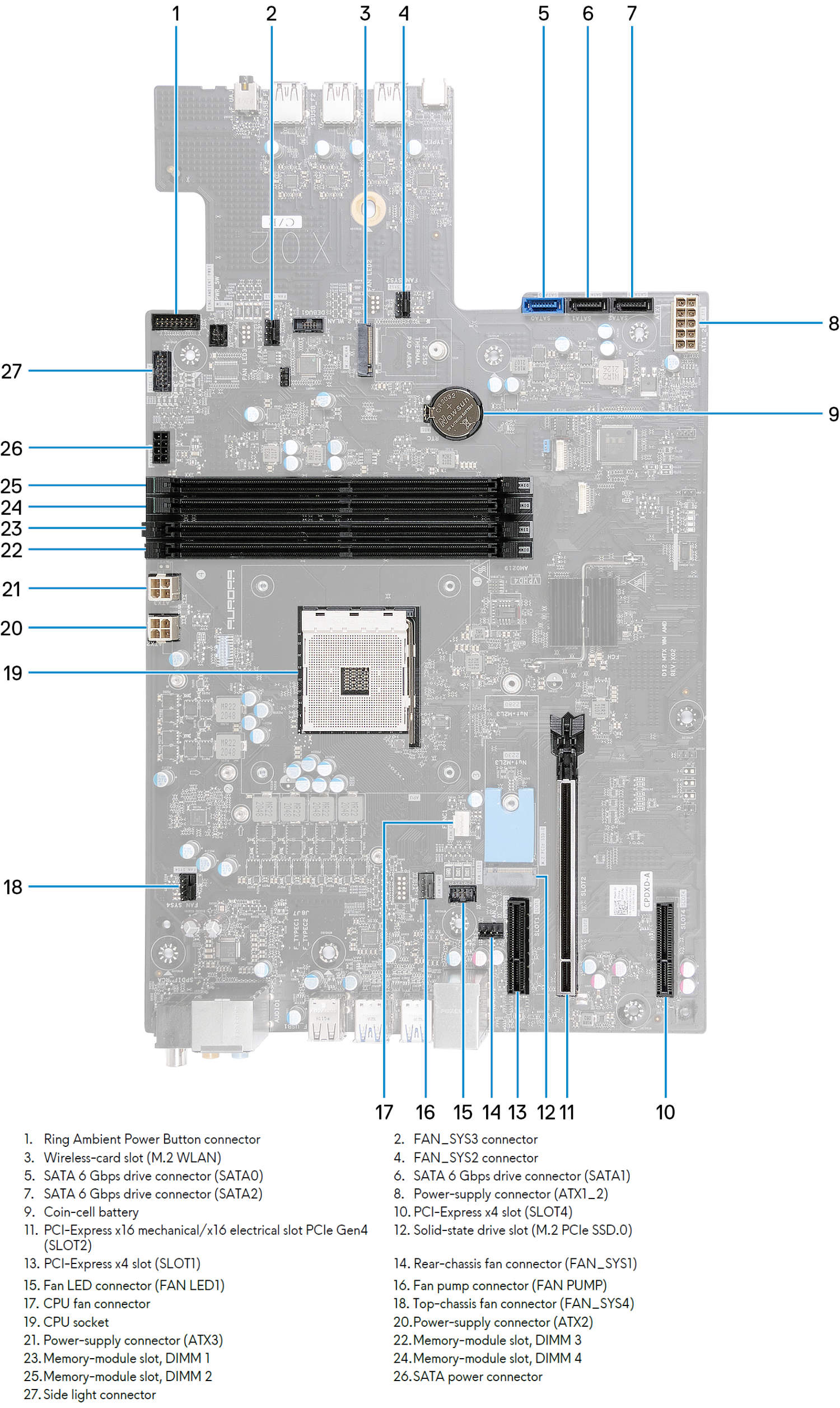
Motherboard
Alienware Aurora Ryzen Edition R14 Desktop System Board.
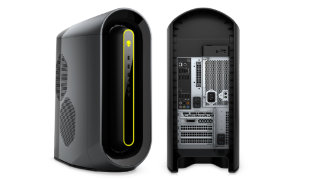
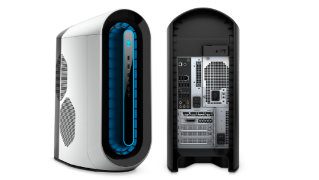
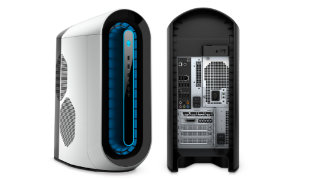
Popular Comparisons for Alienware Aurora Ryzen Edition R14 Desktop
Here are the most frequently requested comparisons for Alienware Aurora Ryzen Edition R14 Desktop:
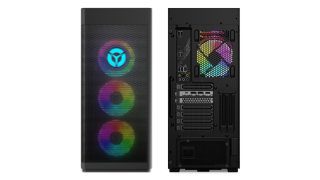
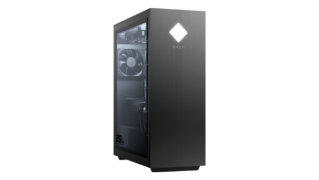
Popular Comparisons for Lenovo Legion Tower 7i 34IAZ7
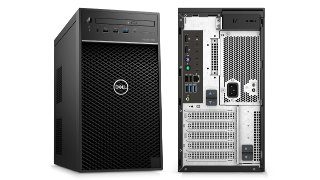
Here are the most frequently requested comparisons for Lenovo Legion Tower 7i 34IAZ7:
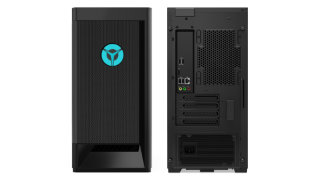
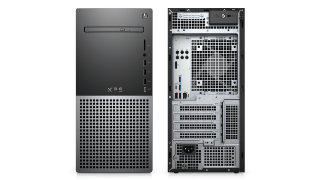
Alienware Aurora Ryzen Edition R14 Desktop FAQs
Here are some related questions you might want to know about the Alienware Aurora Ryzen Edition R14 Desktop:
- What Processor Does the Alienware Aurora Ryzen Edition R14 Desktop Have?
- Can You Install Graphics Card in Alienware Aurora Ryzen Edition R14 Desktop?
- What Ports Are on Alienware Aurora Ryzen Edition R14 Desktop?
- What is the Weight and Size of Alienware Aurora Ryzen Edition R14 Desktop?
- Can You Add More RAM to Alienware Aurora Ryzen Edition R14 Desktop?
Lenovo Legion Tower 7i 34IAZ7 FAQs
Here are some related questions you might want to know about the Lenovo Legion Tower 7i 34IAZ7:
- What Processor Does the Lenovo Legion Tower 7i 34IAZ7 Have?
- Can You Install Graphics Card in Lenovo Legion Tower 7i 34IAZ7?
- What Ports Are on Lenovo Legion Tower 7i 34IAZ7?
- What is the Weight and Size of Lenovo Legion Tower 7i 34IAZ7?
- Can You Add More RAM to Lenovo Legion Tower 7i 34IAZ7?
Alienware Family
Here are all Alienware devices we’ve covered on our site:
Click here to view all Alienware desktops.
Lenovo Legion Family
Here are all Lenovo Legion devices we’ve covered on our site:
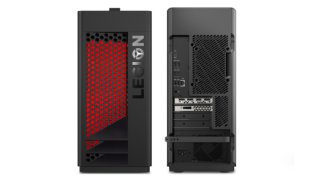
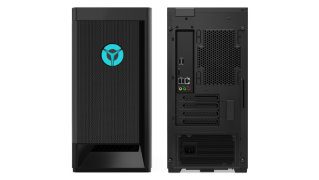
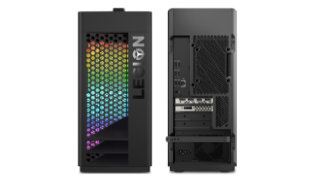
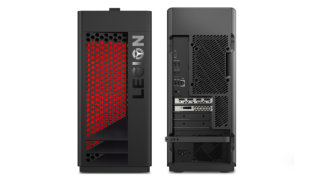
Click here to view all Lenovo Legion desktops.